

Homepage SEO: Fix Your First Screen So Google and AI Get It
In short: Good homepage SEO starts with the first screen, the part people see before they scroll. In a few lines of plain text it should say what you do, who it’s for, where you work, what you don’t do, and how to book. Visitors decide quickly, Google often builds your search result from that text, and AI assistants need it to match you to a question like “who can groom my dog at home?”. Below are 9 fixes, in order, each with a before and after from a made-up business.
Prefer video? Watch the walkthrough:
Why the first screen matters for people, Google and AI
People decide fast. Nielsen Norman Group found the first 10 seconds of a page visit are critical: that’s your window to say what you offer. In their eyetracking study on 1920×1080 desktop screens, people spent about 57% of their viewing time above the fold, the part visible without scrolling.
Google builds your result from it. The blue headline in a Google result (a “title link”) is generated automatically, from your title tag but also from your H1 tag and other large, prominent text. The grey text under it is mostly created from the page content itself, so, in our reading, your opening lines are often your snippet.
AI assistants read in pieces. Microsoft’s Bing team says AI assistants don’t read a page top to bottom like a person would; they break it into pieces and build answers from them. OpenAI says ChatGPT search rewrites a question into targeted searches and uses your approximate location, so “good restaurants near me” becomes “top restaurants San Francisco”. Our takeaway: a local question becomes service plus place. If your first screen never states both in plain text, there’s nothing to match. That’s why homepage SEO has to work for all three.
The example: Suds & Snips (made up)
Suds & Snips is a made-up mobile groomer for dogs and cats that works from a van at the customer’s door. Its first screen has a title tag that says “Home”, a slogan for a heading, no service area, an unsourced “#1 rated” claim, a stock dog photo, a “Learn More” button, and a phone number only inside a footer image. Let’s fix its homepage SEO.
Fix 1: The title tag (never just “Home”)
Before: Home After: Mobile Dog and Cat Grooming at Your Doorstep | Suds & Snips
Google advises avoiding vague descriptors like “Home” for your home page. Its starter guide says a title can include the business name and its location; we’d add the main service too. There’s no length limit, but Google truncates long titles to fit the screen, so put the important words first, and don’t stuff in keywords.
Fix 2: An H1 that says what you do, not a slogan
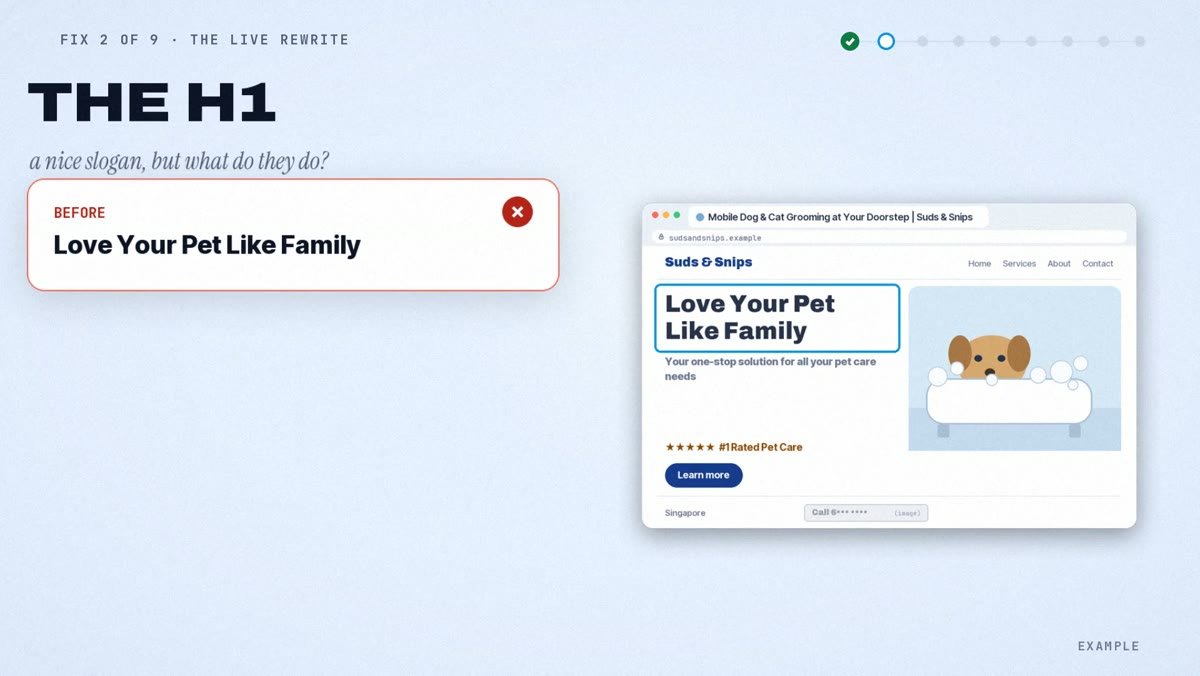
Before: “Love Your Pet Like Family” After: “Mobile dog and cat grooming, done in our van at your door”
Keep the slogan as a smaller line if you like, but not as the heading. Microsoft says your H1 tag should match, or closely reflect, the page title. One of Google’s quality questions asks whether the main heading gives a descriptive, helpful summary. A slogan doesn’t.
Fix 3: A plain opening line in your customers’ words
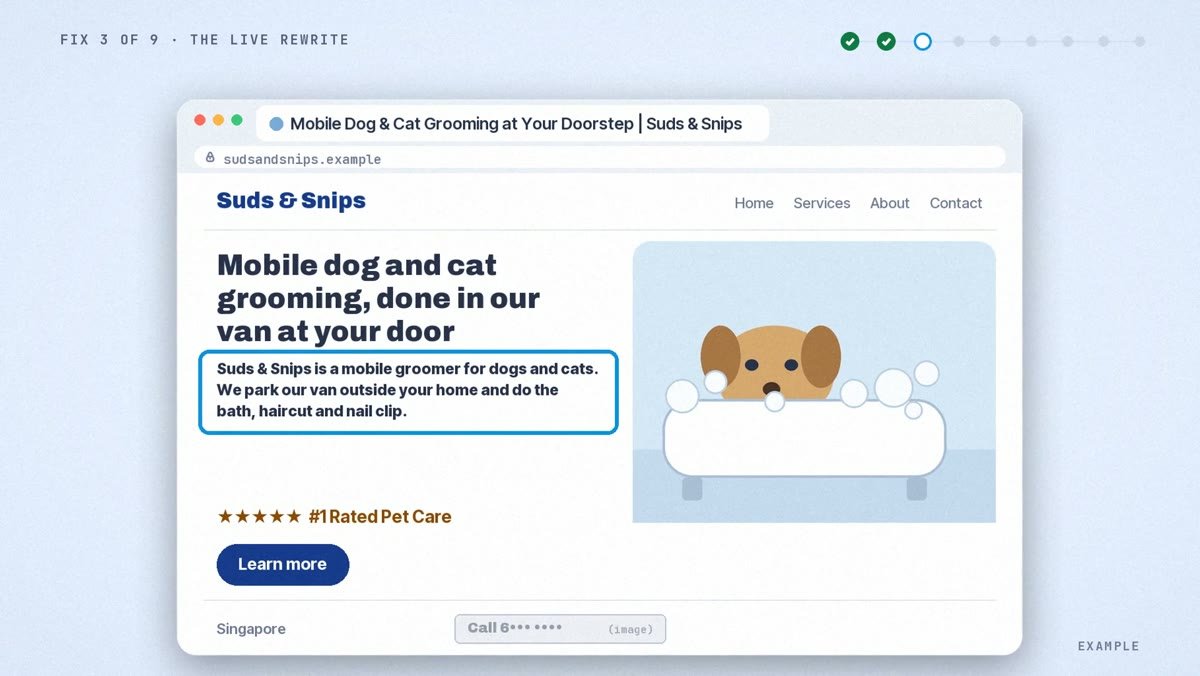
Before: “Your one-stop solution for all your pet care needs.” After: “Suds & Snips is a mobile groomer for dogs and cats. We park our van outside your home and do the bath, haircut and nail clip.”
This is the core of how to write a homepage: who it’s for, what you do, how it works. Use the words people search with, like “dog bath” or “nail clipping”; Google’s starter guide says to think about the words a user might search for. And make it a sentence that makes sense even when pulled out of context, as Microsoft recommends.
Fix 4: Say what you don’t do
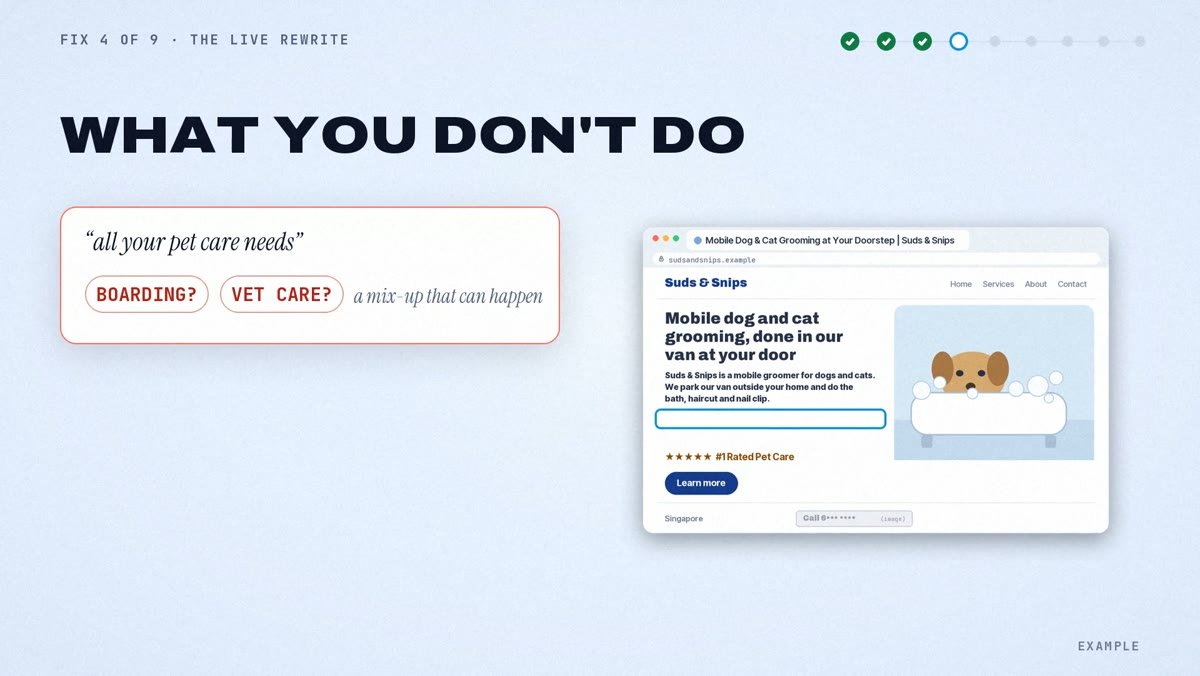
Before: nothing, so “all your pet care needs” is left open. After: “Grooming only. We don’t board pets (look after them overnight) or give medical care.”
This one is our own method, not official guidance. “All your pet care needs” could read as boarding or even vet care, so an assistant could suggest this groomer for jobs it doesn’t do. In one of our own tests, a shop that said it fixed “anything with wheels” got recommended for e-scooter repairs. One test, not a study. The fix builds on that and on Bing’s advice to reduce ambiguity: one short line on what you leave out.
Fix 5: Your service area as visible text
Before: no area on the first screen; only the country, in the footer. After: “We come to homes in Riverside, Oakfield and Hillcrest.” (made-up area names; use the ones you actually cover)
Put the areas you really serve on the first screen as plain text, and match your Google Business Profile. Google asks for an accurate, precise address or service area, and for its AI features, such as AI Overviews, it says to keep Business Profile information up to date. For the wider picture, see how to get your local business recommended by AI tools.
Fix 6: Real proof a stranger can check
Before: “★★★★★ #1 rated groomer!” with no source, next to a stock photo of a dog. After: “[Your rating] from [number] Google reviews” as text, linked to the reviews, plus a real photo of the van and your groomer at work.
Microsoft says to anchor claims in measurable facts, and lists unanchored claims as a mistake. A real rating, a real review count and a link do that; “#1 rated” doesn’t. Nielsen Norman Group’s eyetracking work found people ignore filler images and stock photos of generic people, but look closely at photos of real people who work at the company. Add the groomer’s name and experience too, but only what you can prove: Google’s quality questions ask whether content has easily verified factual errors.
Fix 7: One clear way to book, above the fold
Before: a “Learn More” button, and the phone number inside a footer image. After: one main button, “WhatsApp to book”, plus the phone number as real, tappable text.
Nielsen Norman Group says to keep major calls to action above the fold, and Google and Microsoft both say to keep important content in text and avoid putting key information only in images.
Fix 8: A meta description that says the same thing
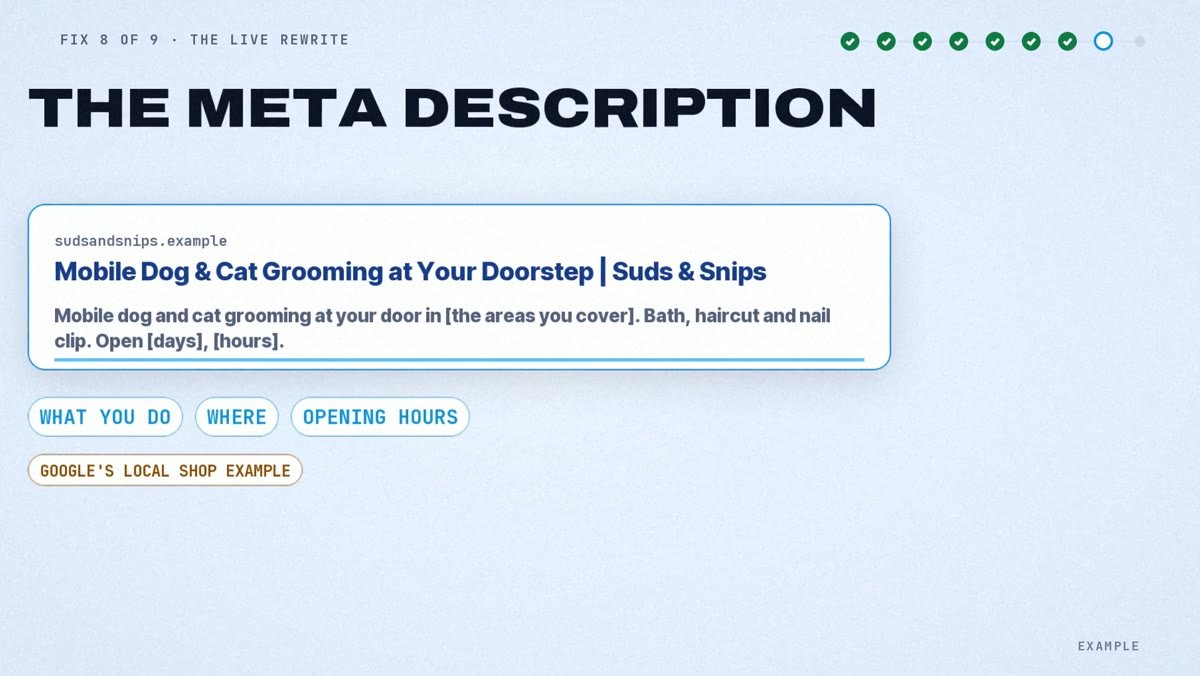
Before: a generic welcome line that doesn’t mention the service or the area (our example). After: “Mobile dog and cat grooming at your door in Riverside, Oakfield and Hillcrest. Bath, haircut and nail clip from our van. Open [your days and hours].”
Google’s own example of a good meta description for a local shop explains what it sells and details like opening hours and location. Do the same: what you do, where, and one useful detail.
Fix 9: The read-aloud test
Before: five signals, five different messages (“Home”, a slogan, “one-stop solution”, a vague description, a web address that says nothing). After: all five say “mobile dog and cat grooming, at your door, in these areas”.
This check is our method, built on Microsoft’s advice to align title, description and H1. Read your title tag, meta description, H1, opening line and web address out loud. Do they make the same promise? If one says something different, fix that one. Of all the homepage best practices here, it’s the quickest.
LocalBusiness schema: what it does and doesn’t do
LocalBusiness schema markup is a type of structured data: code that gives Google explicit clues about your business, such as your name, phone number, opening hours and website. On a homepage, schema markup backs up the visible text; it doesn’t replace it. Here’s the honest part:
- It makes you eligible, not guaranteed. Following the guidelines can make you eligible for rich results, but Google doesn’t guarantee they’ll show, even if your markup passes the test.
- It must match the visible page. Don’t mark up content readers can’t see, and don’t mark up misleading content such as fake reviews.
- Skip review stars for your own reviews. Google says that when a business controls the reviews about itself, its pages aren’t eligible for the star feature, including embedded review widgets. Show your real rating as text instead (Fix 6).
- No special AI schema. For AI Overviews and AI Mode, Google says there’s no special schema.org markup you need to add.
Common first-screen mistakes

Three more homepage SEO mistakes to avoid:
- Key text baked into a banner image. Keep it as real text.
- Answers hidden in tabs or click-open menus. Microsoft says don’t hide important answers there.
- A business name that doesn’t match your Business Profile. Google wants your real-world name, with no keywords stuffed in.
How to check it worked
On the page. Right-click your heading and choose Inspect: big text isn’t always a real H1 tag. Then search the page source for your opening line to confirm it’s text, not an image.
In Google. In Search Console, run the live test in URL Inspection; it shows a screenshot of how Google sees the page. Then request indexing, once. If you added schema markup, run the Rich Results Test on the live URL.
In AI assistants (our own before-and-after method):
- Before changing anything, ask ChatGPT (search on), Perplexity, Copilot and Google AI Mode one real customer question, like “who can groom my dog at home?”.
- Save the answers with the date.
- After the recrawl, ask the exact same question the same way and compare.
- Use logged-out or temporary chats. Answers shift with location, account and time.
OpenAI itself says ChatGPT search results and citations can be incomplete, outdated or incorrect. One answer is a snapshot, not proof.
Give it time. Google says recrawling may take a few days to a few weeks, and it may still build its own title from your page text.
To check the AI side quickly, our free AI visibility check asks ChatGPT, Gemini and Claude, with live web search, whether they recommend your business. Run it before and after your changes.
Quick Recap: Key Homepage SEO Fixes for Google and AI
Say what you do, who it’s for, where, and what you don’t do, in plain text. Add real proof and one way to book. Make the title, H1, opening line, meta description and web address tell the same story. Then check your homepage SEO, before and after.
Sources
- Nielsen Norman Group, How Long Do Users Stay on Web Pages? (2011)
- Nielsen Norman Group, Scrolling and Attention (2018)
- Nielsen Norman Group, Photos as Web Content (2010)
- Google Search Central, Influencing your title links
- Google Search Central, SEO Starter Guide
- Google Search Central, Control your snippets in search results
- Google Search Central, Creating helpful, reliable, people-first content
- Google Search Central, AI features and your website
- Google Search Central, Intro to structured data, Local business structured data, General structured data guidelines, Review snippet
- Google Search Central, Ask Google to recrawl your URLs
- Google Business Profile Help, Guidelines for representing your business on Google
- Search Console Help, URL Inspection tool and Rich Results Test
- Microsoft Advertising blog, Optimizing your content for inclusion in AI search answers (October 2025)
- Bing Webmaster Blog, Introducing AI Performance in Bing Webmaster Tools (February 2026)
- OpenAI Help Center, ChatGPT search